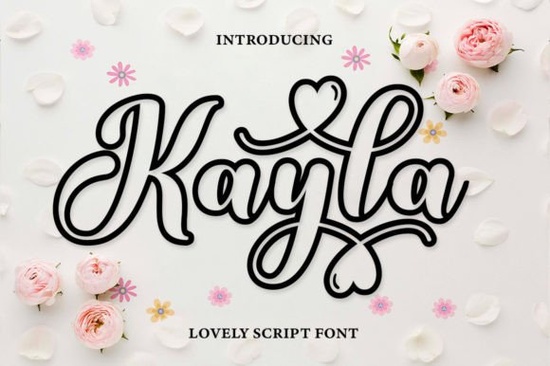
Choosing the right typography for a craft project or brand identity often comes down to finding a balance between personality and readability. If you need a warm, romantic, and jovial style, the Kayla Outline Font is a highly versatile handwritten option. Designers and print-on-demand sellers frequently use outline styles because they offer unique customization options, like adding patterns or colors inside the letterforms.
What kind of projects work best with an outline script?
Outline typography is incredibly flexible for physical crafts and digital products. Because the letters are hollow, crafters can fill them with watercolors, glitter textures, or custom floral patterns directly in programs like Procreate or Photoshop. This makes the style a popular choice for personalized t-shirts, nursery wall art, and greeting cards. Print-on-demand sellers often use hollow lettering to create coloring book pages or interactive children's apparel. If you enjoy a similar bouncy, hand-drawn aesthetic, you might also like working with this other playful strawberry style lettering for seasonal sticker packs.
Small businesses can apply this jovial aesthetic to boutique packaging, thank-you cards, or social media graphics. The hollow nature of the letters means they print clearly on darker backgrounds, provided you adjust the stroke weight in your design software before exporting the final file.
How do you access the extra swashes and glyphs?
One of the most common hurdles for creative hobbyists is finding alternate characters to make a design look truly custom. Fortunately, this file is PUA encoded. This means every extra glyph, ligature, and decorative swash is fully accessible without needing professional design software.
For Windows users, you can open the Character Map utility to copy and paste specific alternates into standard text editors. Mac users can utilize the Font Book application to view all available variations. If you are using web-based tools like Canva, simply typing out your word and scrolling through the recently used glyphs at the bottom of the screen will often reveal the hidden extras. Learning to manage different creative script variations helps keep your layouts from looking repetitive and overly automated.
Additionally, the file includes complete language support, which is essential if you are designing merchandise for international markets or creating bilingual wedding invitations. You can easily learn more about how PUA encoding works in typography to ensure you never miss out on the beautiful details the creator included.
How do you pair this with other fonts for branding?
When building a brand identity or designing a complex poster, using only one typeface can sometimes feel limiting. Because this outline font has a very distinct, romantic personality, it works best as a display typeface for headlines, logos, or short quotes. It draws the eye immediately.
To create a balanced layout, pair it with a clean, legible sans-serif or a highly structured script. For example, if you are designing a wedding suite, you might use the outline letters for the couple's names and switch to a more traditional signature style for the date and venue details. Alternatively, a minimalist basic alphabet design provides excellent contrast for body text, ensuring your audience can easily read the important information without visual clutter.
For a more formal look on certificates or editorial covers, blending this jovial outline with a refined elegant book signature alternative creates an interesting visual dynamic that feels both approachable and professional.
How do you prepare outline files for cutting machines?
For crafters using Cricut or Silhouette machines, outline fonts require a specific workflow to ensure smooth cuts and minimal material waste. Before sending your design to the cutting mat, make sure to follow these practical steps:
- Convert text to shapes: Always outline, expand, or ungroup your text in your software. This ensures the machine reads the letters as a vector graphic rather than editable text, preventing substitution errors.
- Check for overlapping paths: Use the weld or unite tool to merge any overlapping swashes. This prevents the blade from making unnecessary internal cuts that can ruin the design.
- Adjust the line thickness: If the outline is too thin, delicate materials like adhesive vinyl might tear during weeding. Increase the stroke weight slightly before finalizing the cut file.
- Test your material settings: Intricate outline designs take longer to cut than solid block shapes. Always do a small test cut on your chosen material to dial in the correct blade pressure.
By taking a few minutes to properly prepare your vector file, you will achieve crisp, professional results for every physical craft project you create.
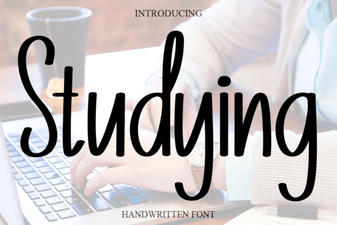 Choosing Fonts for Your Creative Projects
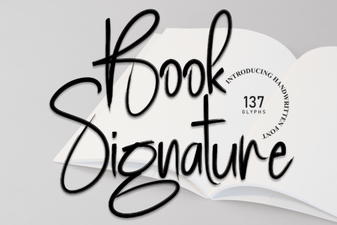 Designing Your Book's Signature Font for Distinctive Style
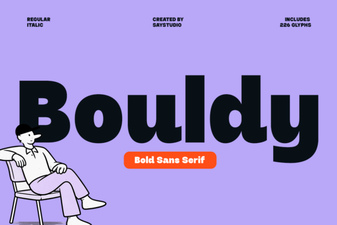 Bouldy Font: a Bold Tool for Creative Projects
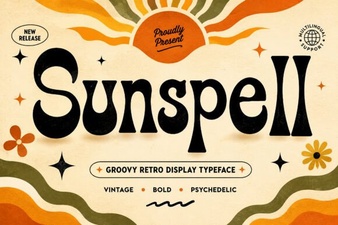 Sunspell Font: Modern & Creative Typography Tools
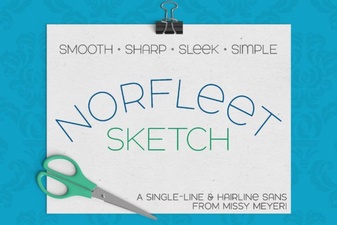 Norfleet Sketch Font for Clean Single-Line Designs
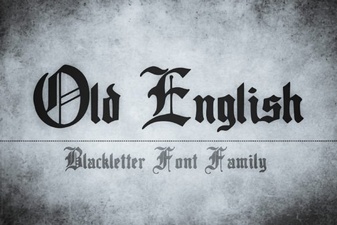 Designing with Historic Old English Fonts